1
Open Safari and search for https://web.peeglelive.com
Open Safari on your iPhone, type the Peegle Live web address, and continue to the website.
Open web app →

Choose your device below and follow the illustrated steps to add Peegle Live to your Home Screen.
Open Peegle Live in your browser, then add it to your Home Screen. After that, you can launch it quickly anytime from your phone.
Open Peegle Live NowSelect iPhone/iPad or Android, then follow each illustrated step. Safari is recommended on iPhone and Chrome on Android.
Open Safari on your iPhone, type the Peegle Live web address, and continue to the website.
Open web app →
Wait for the website to load fully. Keep the page open in Safari before moving to the next step.

Open the Safari share menu and look for the option that lets you add the website to your Home Screen.
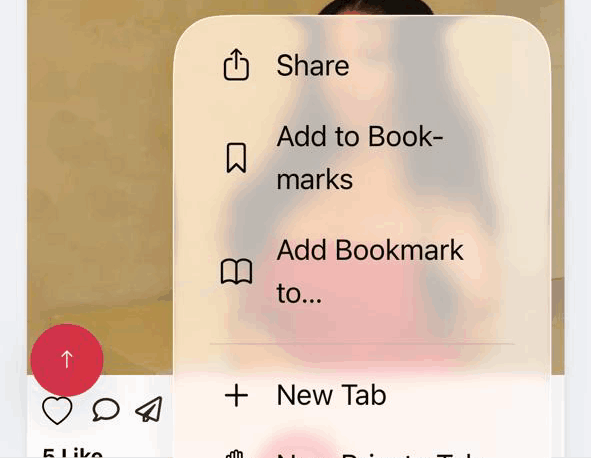
In the options list, tap Add to Home Screen.
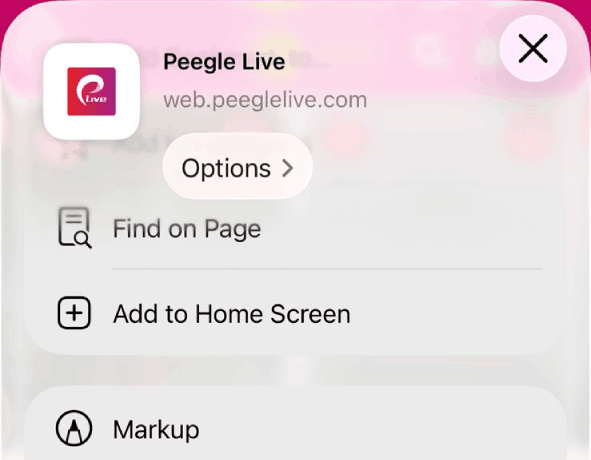
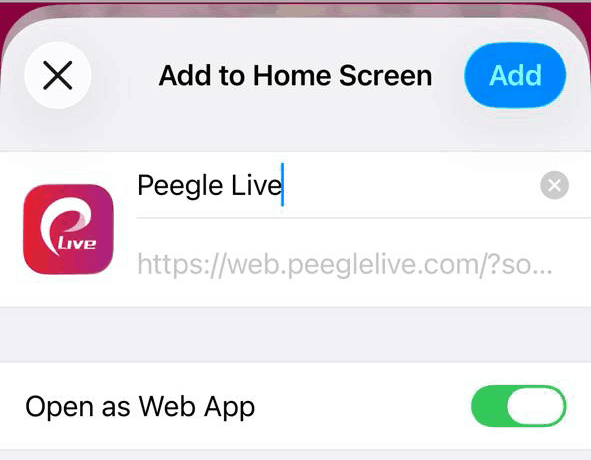
Keep the name as Peegle Live, then tap Add. Make sure the app opens as a web app.
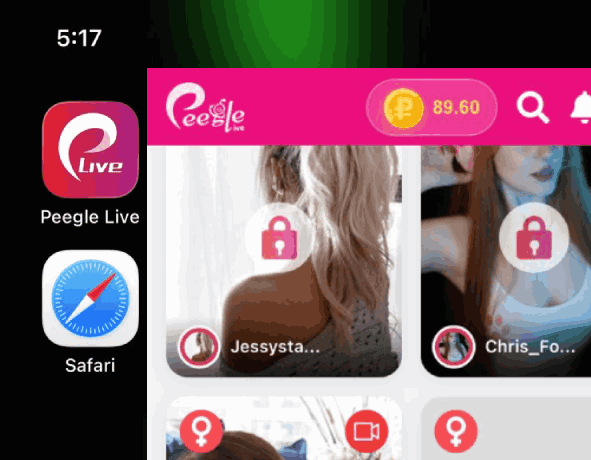
Once installed, open Peegle Live anytime directly from your device for a cleaner app-style experience.
Visit your Peegle Live web app URL in Chrome and let the page load fully.
Open web app →
Use the menu icon in Chrome to view more actions for the current website.

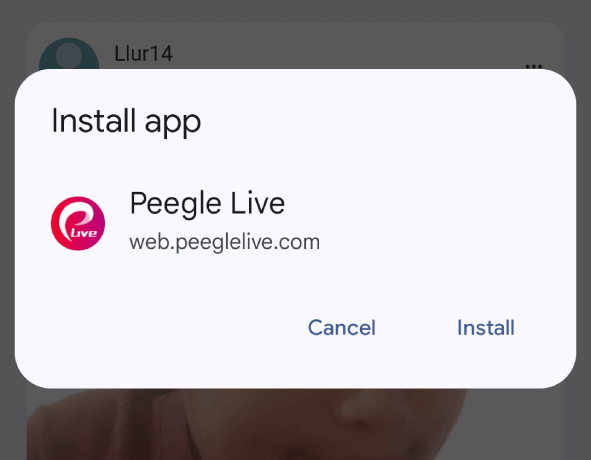
Select Install App or Add to Home Screen, depending on your browser version.
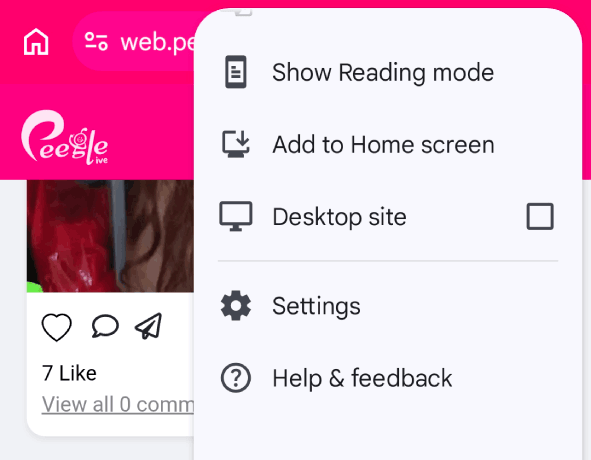
Accept the install prompt to add Peegle Live to your Android home screen.
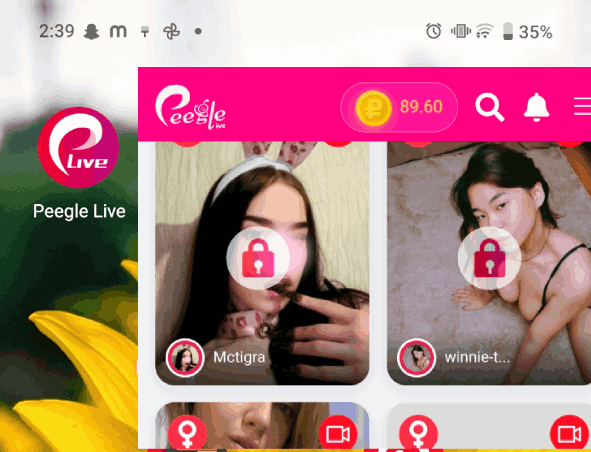
Launch it anytime from your home screen for quick access and a smoother app-style view.
No. You can open Peegle Live from your browser and install it on your Home Screen.
Yes. For iPhone, open Peegle Live in Safari and use Add to Home Screen.
Yes. Open Peegle Live in Chrome and choose Install App or Add to Home Screen.
It gives faster access and a cleaner app-style full-screen experience from your phone.
Start from your browser now. You can install it on your Home Screen after opening the web app.
Open Peegle Live Now